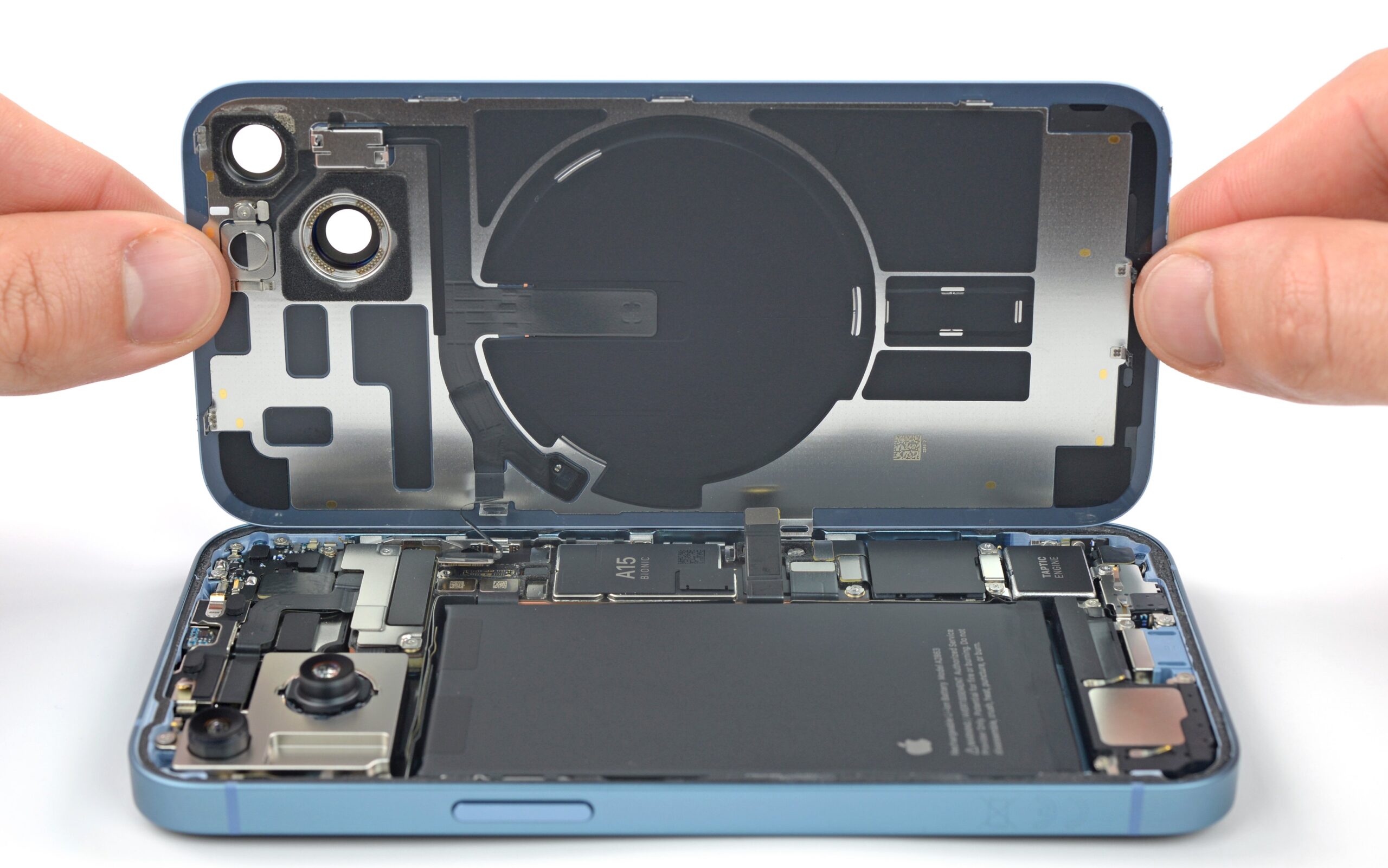
iPhone & Android Charging Port Repair in Sacramento: What You Need to Know
Your phone's charging port is one of the most physically stressed components on the device. It's plugged and unplugged dozens of times a week, often at odd angles, and it collects lint, dust, and debris from pockets and bags. When the port starts failing, the symptoms can be frustrating — and it's not always obvious whether you're dealing with a port problem, a cable problem, or something else entirely.
At MNM Computers in Citrus Heights, we repair charging ports on iPhones and Android phones every single day. Here's everything you need to know before you bring your device in — or try to fix it yourself.
Signs Your Charging Port Needs Repair
Charging port issues tend to develop gradually. Here are the most common warning signs that the port itself — not the cable or charger — is the problem:
Phone only charges at a certain angle
If you have to prop your phone up at a specific angle or hold the cable in just the right position to get it to charge, this is a classic sign of port damage. The internal contacts are worn, bent, or corroded, and only make a connection in certain orientations.
Charging is intermittent
The battery percentage goes up for a few minutes, then stops, then starts again — even when the cable is undisturbed. This intermittent behavior points to a loose port or damaged pins that can't maintain a consistent electrical connection.
Port looks dirty, bent, or damaged
Shine a flashlight into the port. If you see lint compressed at the back, corrosion (greenish or grayish residue), or bent pins, you've found the cause. Lint buildup alone is responsible for a surprising percentage of "dead port" cases.
Phone charges very slowly
A phone that used to charge to full in 90 minutes now takes 4–5 hours is a sign of a deteriorating port connection. Poor contact resistance reduces charging current, dramatically slowing charge speed even when the phone technically shows it's charging.
Cable keeps falling out of the port
If the charging cable feels loose and slides out with the slightest movement, the port's retaining clips or locking mechanism have worn out. This is especially common with Lightning ports on older iPhones and USB-C ports on Android phones used for a few years.
Is It Really the Port? How to Tell
Before assuming it's the port, it's worth ruling out the most common alternative causes. These quick checks can save you a trip:
- Try a different cable and charger. Cables fray internally at the connector end and are one of the most common reasons for charging failure. If a brand-new cable from a different manufacturer charges fine, the problem is the cable.
- Test on multiple chargers. A faulty wall adapter or power bank can also cause slow or intermittent charging that mimics a port problem.
- Check battery health. On iPhones, go to Settings > Battery > Battery Health. A battery at under 80% capacity may charge slowly even with a perfect port. On Android, a degraded battery can cause similar symptoms.
- Software reset. Rarely, a software glitch can prevent a phone from recognizing that it's plugged in. A full power cycle or soft reset sometimes resolves this without any hardware repair needed.
If you've done all of the above and the problem persists, the port itself is almost certainly the issue and repair is the right next step.
Types of Charging Ports We Repair
We work on all common charging port types found in today's smartphones:
- Lightning (older iPhones): The 8-pin Lightning connector used on iPhones from the 5 through iPhone 14. These ports are prone to lint compaction and bent pins from inserting cables at an angle.
- USB-C (iPhone 15 and newer, most Android phones): The universal standard now found on iPhone 15 and all newer iPhones, as well as Samsung Galaxy, Google Pixel, OnePlus, and virtually all modern Android devices. USB-C ports are more robust but still fail from physical stress and corrosion.
- Micro-USB (older Android phones): The older standard found on Android phones from roughly 2010 through 2018. Micro-USB ports are particularly vulnerable to damage because the connector design makes it easy to insert cables slightly off-center, stressing the port walls.
No matter which port type your device uses, we carry the replacement components and have the tools and experience to complete the repair correctly.
Can You Clean a Charging Port Yourself?
Yes — and in many cases, a good cleaning is all your port needs. Lint and compressed debris are incredibly common and easy to mistake for a hardware failure. Here's how to clean a charging port safely:
- Compressed air: A quick burst of compressed air (held upright, not tilted) can dislodge loose lint. Hold the can several inches away to avoid moisture from the propellant entering the port.
- Wooden or plastic toothpick: Very gently insert a toothpick and use it to loosen compacted lint, then blow it out. A toothpick is safe because it's non-conductive and soft enough not to damage metal contacts.
What not to do: Never use a metal object like a needle, paperclip, or metal pin to clean a charging port. Metal is conductive and can short out contacts or bend the delicate pins inside the port. Avoid cotton swabs as well — they tend to leave fibers behind and can push debris deeper rather than removing it.
When Cleaning Isn't Enough
Cleaning solves a lot of charging problems, but it can't fix everything. You'll need professional repair when:
- There's physical damage. If the port has been bent, cracked, or deformed by a cable being forced in sideways or the phone being dropped while plugged in, cleaning won't restore function.
- Pins are broken or missing. The tiny metal pins inside the port can break off, especially in Lightning and micro-USB connectors. Once broken, they cannot be repaired — the entire port assembly must be replaced.
- There's corrosion from water exposure. Even "water-resistant" phones can suffer corrosion inside the charging port from sweat, humidity, or brief water exposure. Corrosion causes progressive contact failure that gets worse over time if not addressed.
- The port is physically loose. If the port wobbles or moves when you insert a cable, the solder joints connecting it to the motherboard have failed. This requires micro-soldering to repair — a task that requires professional equipment and expertise.
What Does Charging Port Repair Cost?
Charging port repair at MNM Computers typically ranges from $49 to $99 depending on the device model and port type. iPhone 15 USB-C port repairs tend to run on the higher end due to parts cost, while older micro-USB Android repairs are typically on the lower end. We always provide a firm quote before we begin any work — no surprises on your final bill.
Compare this to the cost of a new phone: even a mid-range replacement phone runs $300–$600, making a charging port repair an extremely cost-effective solution in the vast majority of cases.
The MNM Computers Repair Process
- Free diagnostic: We examine the port, test with known-good cables and chargers, and confirm the root cause before quoting any repair.
- Upfront quote: You receive a clear price for the repair before we touch the device. No hidden fees.
- Same-day service: Most charging port repairs are completed the same day, often within a few hours of drop-off.
- Quality parts: We use high-quality replacement port assemblies — not bargain components that fail again in a few weeks.
- Post-repair testing: After the repair, we test charging with multiple cables and verify that fast charging (where applicable) works correctly before returning your phone.
We repair iPhones and Samsung and Android phones of all models at our Citrus Heights shop. If you're not sure whether your charging issue is the port, the battery, or something else, bring it in — the diagnostic is always free.
Frequently Asked Questions
How long does a charging port repair take?
Most charging port repairs are completed within 1–3 hours. In some cases — particularly for newer flagship models — we may need to order a specific part, which can add a day. We'll give you an accurate timeframe when you bring your device in.
Will my data be safe during a charging port repair?
Yes. Charging port replacement does not require wiping your phone or accessing your data. Your files, photos, contacts, and apps will all be exactly as you left them when you pick the device up.
My phone says "This accessory may not be supported" — is that a port problem?
That message on iPhones is usually related to a damaged or non-certified cable, not the port itself. However, if you see it consistently even with Apple-certified cables, there may be debris or corrosion in the Lightning or USB-C port affecting the authentication chip. Bring it in and we'll diagnose it for free.